The device comes with a capacitive touchscreen. It responds best to a light touch from the pad of a finger. You can also use the stylus that was provided with the device.
Important: Using excessive force or a metallic object when pressing on the touchscreen may damage the tempered glass surface.
A compatible stylus was provided with the device. If you prefer to purchase a different stylus, be sure it is compatible with a capacitive touchscreen.
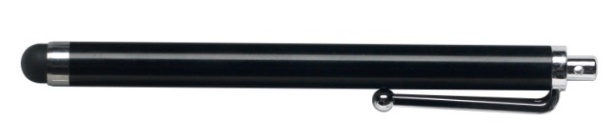
Note: The stylus provided has an opening on the end and can be attached to a person or the device using a chain, string, or lanyard.
⚠ The stylus is a potential hazard for poking an eye.